How to download Telegram Videos?
Start with TG DownloadHelper in Seconds.
Other Telegram Video Downloaders
Switch: Leave Telegram and open the downloader in another tab.
Paste: Copy the Telegram link and paste it into the downloader.
Wait: Start the download, then wait or retry if something goes wrong.
With TG DownloadHelper
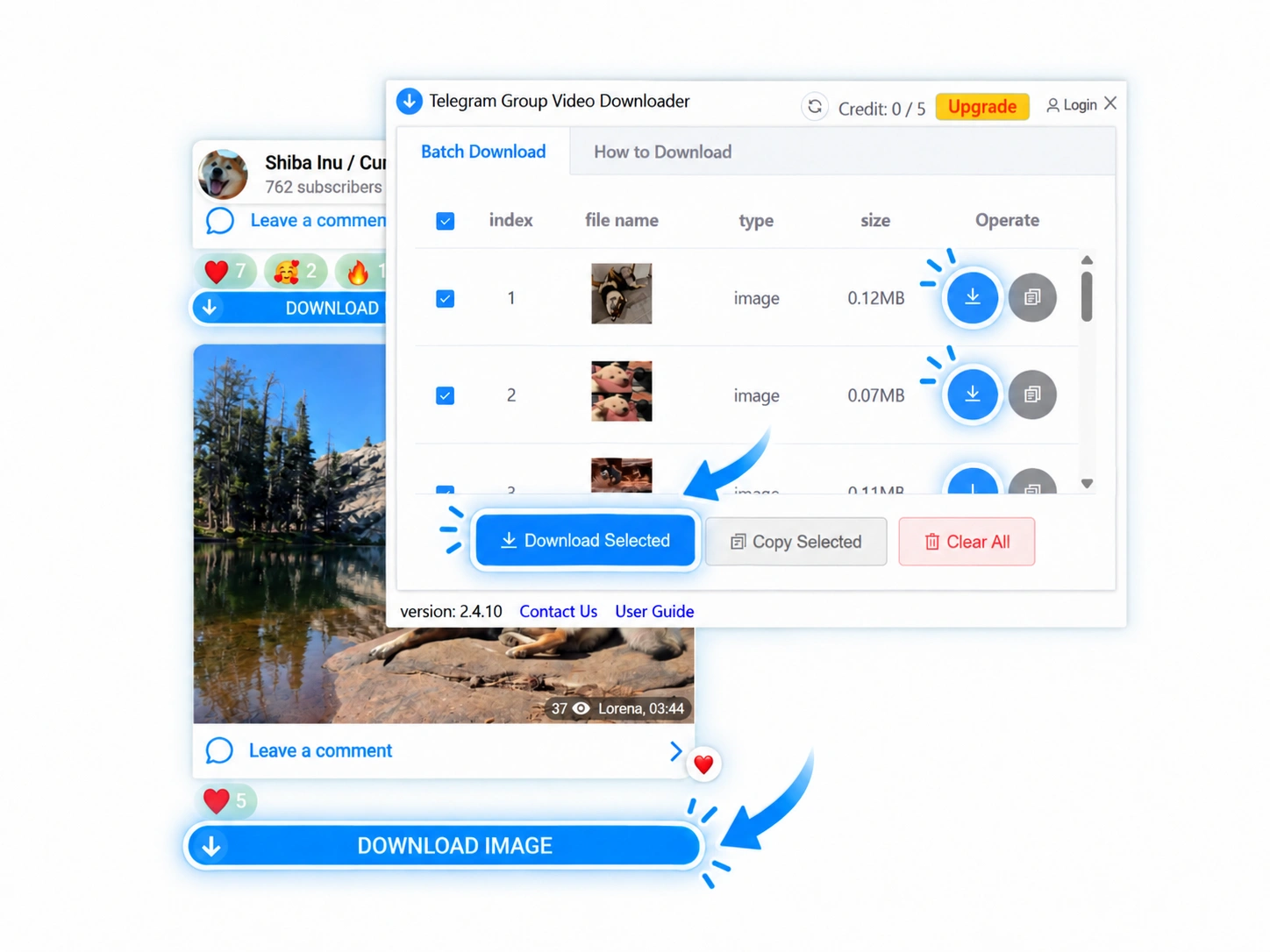
Detect: TG DownloadHelper recognizes the Telegram video you open.
Show Download: The download control appears close to the video.
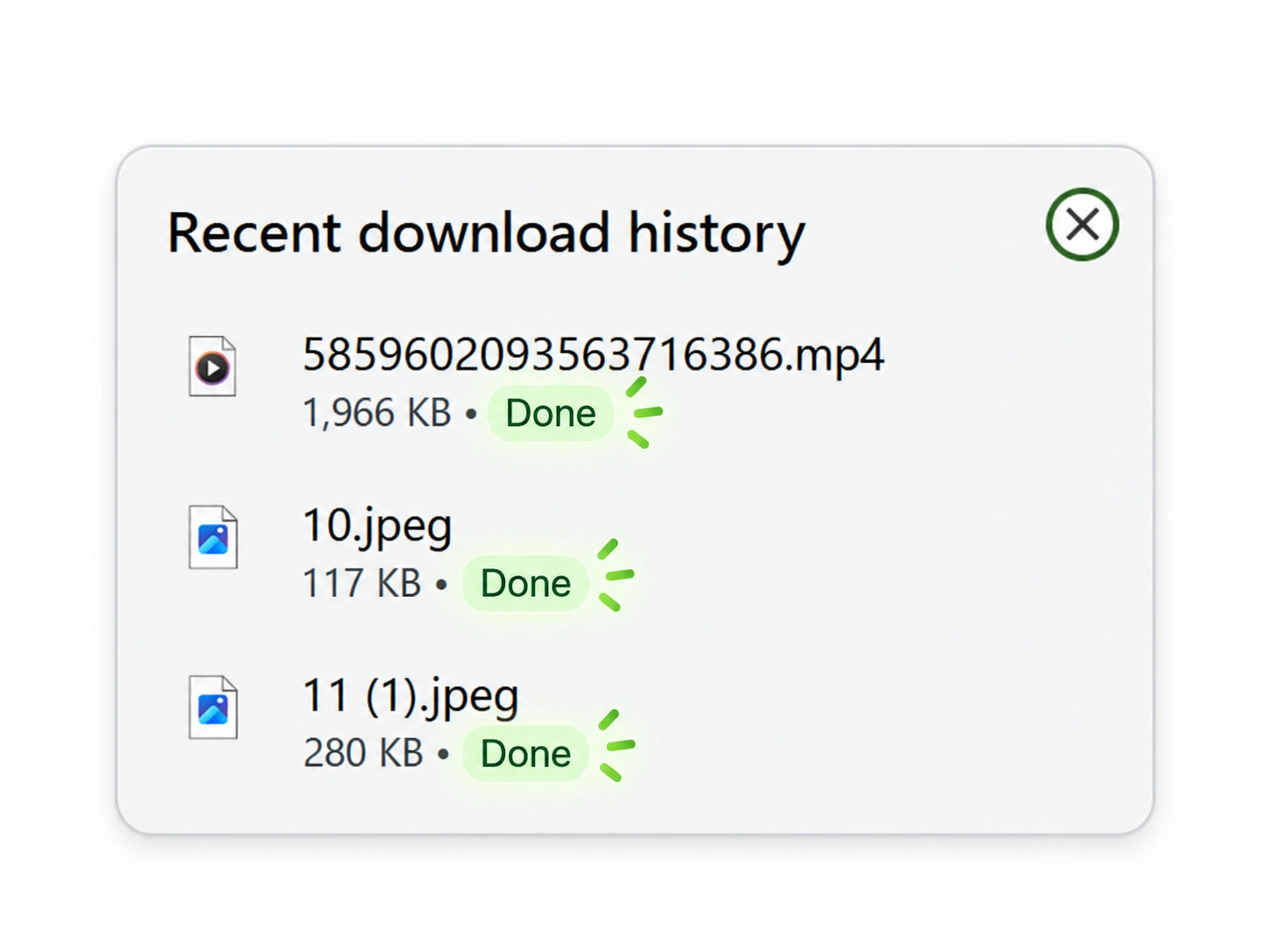
Save: Download the video directly to your device.